

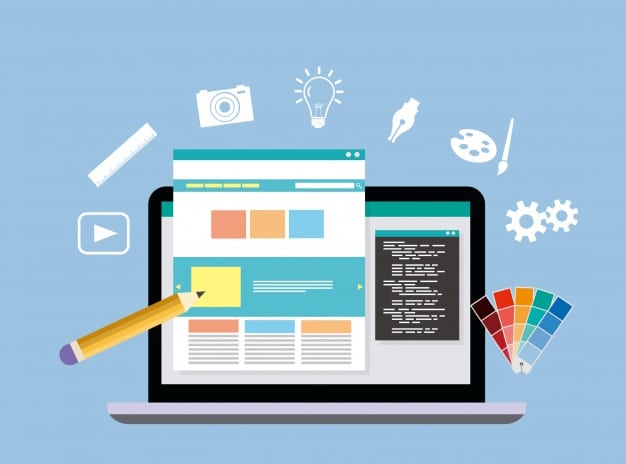
With the exponential growth of the digital space, having a professional website is an absolute necessity. But the first step on this path is choosing the right web design tool. The tool you use will have a direct impact on the quality of the design, the speed of implementation, the final cost and even the scalability of your site. In this article, we will examine the types, advantages and disadvantages of each method and tips for choosing wisely.
What is a web design tool and why is it important to choose one?
A web design tool is a platform that you can use to design and implement a website. These tools are divided into two main categories:
- Desktop design software
- Website builders
Each of these methods has its own advantages, disadvantages, and audiences, and the choice between them depends on several factors such as the project’s goal, budget, technical expertise, and team size.
1. Using desktop design software
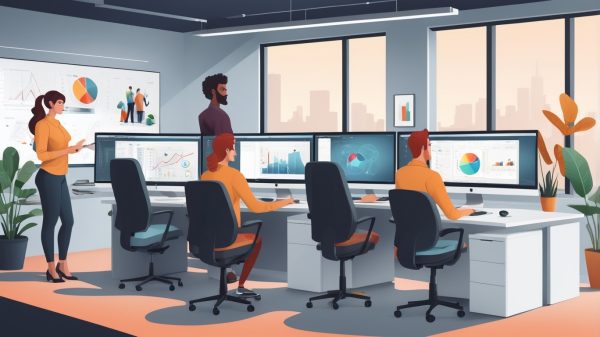
Desktop software such as Adobe Photoshop, Sketch or Adobe XD have been a favorite of professional designers for years. These software are used to create detailed, customized and creative designs. The designer first designs the appearance of the site in the form of a mockup and then this design is converted into code by the development team.
This method is used in large and complex projects; for example, when a large brand needs a completely customized design or a website is to be implemented with a complex system. In this case, designers and developers work professionally in two separate departments.
However, this approach is expensive and time-consuming; because it requires diverse expertise and collaboration between different teams. Also, there may be differences in the final result in the process of transferring the design to code.

Advantages:
- Full control over visual design
- Suitable for custom and large projects
- High quality output possible
Disadvantages:
- Requires development team
- Costly and time-consuming
- Suitable for highly experienced individuals or teams
2. Using Website Builders
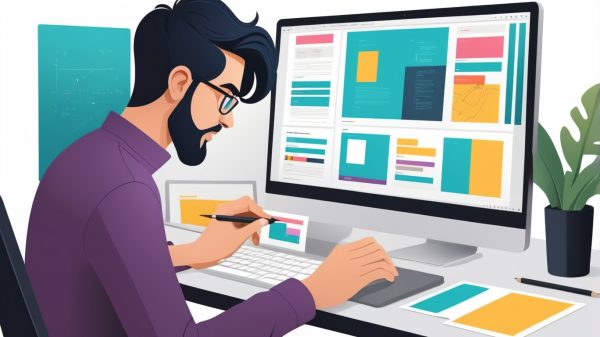
Website builders like Wix, Squarespace, Webflow, WordPress, and PageCloud are great options for those who have a smaller budget or time, or don’t want to get too involved with technical issues. These platforms allow you to build a website without any coding knowledge.
With these tools, you can use ready-made templates, customize them with drag-and-drop, and launch a beautiful and functional website in a matter of hours.
But keep in mind that some website builders have limitations on customization or expansion, especially if you want to add more complex features to your site in the future. Also, some of these platforms have less SEO features or slower loading speeds.
Advantages:

- Simple and intuitive user interface
- Suitable for beginners and small to medium projects
- Easy to update and manage without the need for coding
Disadvantages:
- Limited customization
- Some platforms have a monthly subscription fee
- Dependency on the platform for maintenance and support
Criteria for choosing a web design tool
Before choosing a tool, there are a few important questions you should ask yourself:
- What type of website do you need? Are you planning to build a corporate website or an online store?
- How much budget do you have? Different tools cost different amounts, from free to a few hundred dollars per month.
- What skills do you have or what kind of team do you have? Do you have a developer or designer on your team, or do you want to do everything yourself?
- How often is your site updated? If you update frequently, you need a tool that is easy to use.
Responsive or Adaptive Design
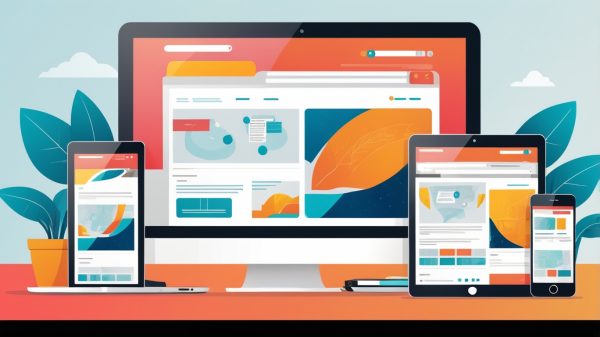
One of the important features of web design tools is how the site adapts to different devices.

- Responsive Design: In this method, the design automatically adjusts to the size of the user’s screen. Most modern website builders use this method.
- Adaptive design: In this case, the designer designs different versions of the site for different screen sizes.
For most small and medium-sized businesses, responsive design is sufficient, as it is both easier to implement and is available by default in most tools.
Important elements in web design
Web design tools are half the battle. The other half is knowing the elements of professional design. Here are the most important elements of a successful design:
User Interface and User Experience (UI/UX)
A good site should be both beautiful (UI) and easy to use (UX). Web design tools should allow users to navigate your site without confusion.
Use of images and graphics
Good images increase the visual quality of the site. In tools like Wix or Webflow, you can use a library of free images or icons. But always keep in mind that the quality and size of images also affect the speed of the site.
Choosing the Right Font

Fonts are an important part of your brand identity. Your font choice should match your site’s overall style, colors, and brand feel. Sites like Canva Font Combinator can help you find the right font combinations.
Colors
The right use of colors can convey a certain feeling to the user and guide their behavior. For example, blue creates a sense of trust, and red creates a sense of urgency. Website design tools usually have ready-made color schemes or the ability to customize custom colors.
Speed and Performance
No matter what tool you choose, site loading speed is crucial. Optimized tools like Webflow or PageCloud offer cleaner coding and make your site load faster.
Conclusion
Choosing a web design tool is a key decision for your online success. If you’re looking for high flexibility and professional design, desktop tools are a good choice. But if you’re looking for a quick, easy, and economical setup, website builders are better options.
Ultimately, your choice should be based on the type of project, your skill level, your time, and your budget.

Blooweb, your companion on the path to professional web design
If you’re still not sure which tool is right for your website design, don’t worry! Our team at Blueweb, with extensive experience in designing and developing various types of websites, is ready to assist you in choosing the best web design tool. From free consultation to implementing zero to one hundred projects, Blueweb is by your side.
[Contact us now for a free consultation.]
Original Publication Date: 1400/09/24Update Date: 1404/01/19